Case study, UX, Backdrop Build v3

Finalist prototype, 3-month build

Read2Text. Homework a specialist can trust.

Speech-language pathologists (SLPs) and reading specialists still send worksheets home. They can't tell if the practice happened. Read2Text is AI fluency practice anytime, on any device, with progress the adult can actually see.

  • UX
  • UI
  • Research
  • Figma
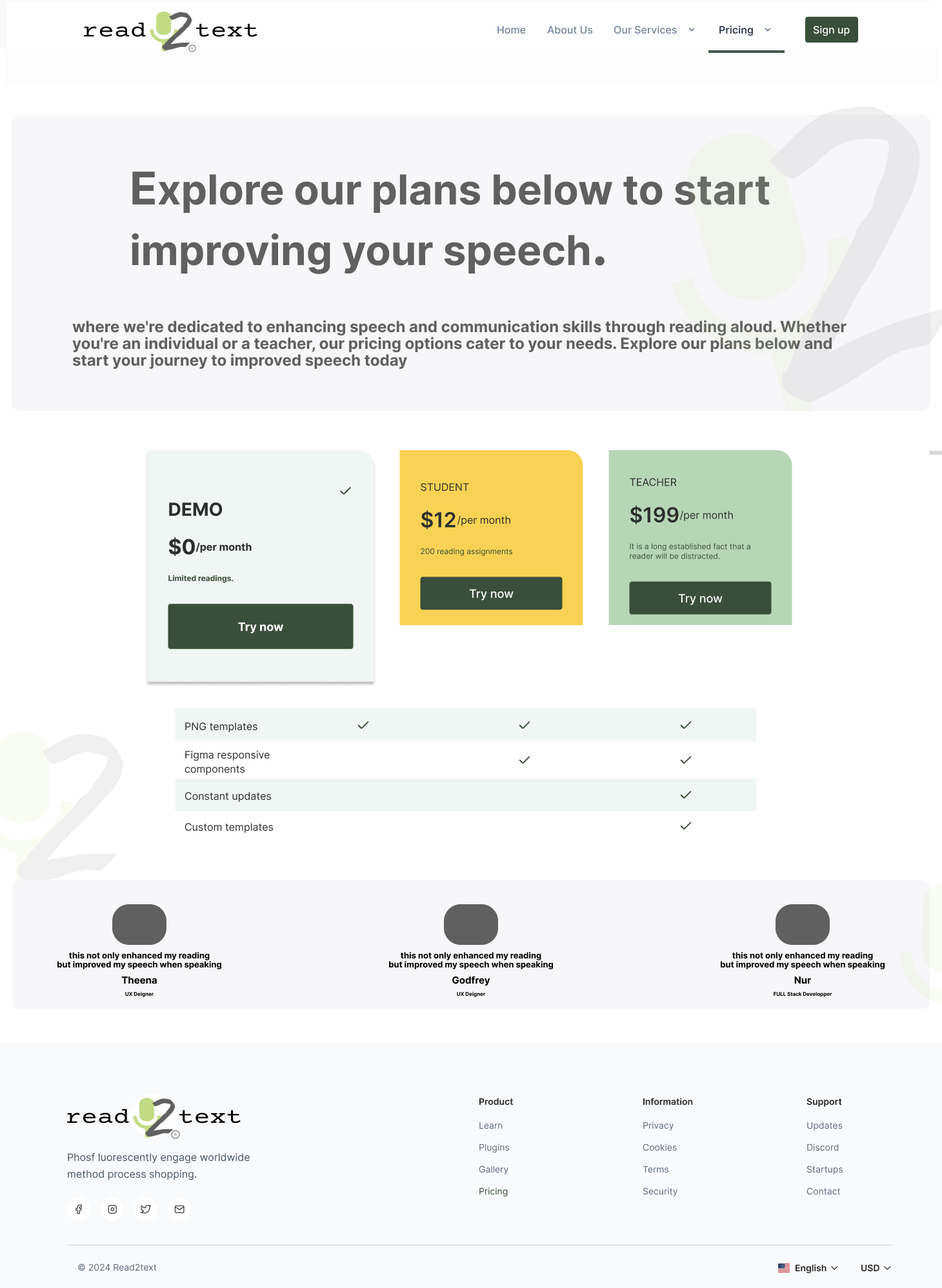
Read2Text student practice view and lesson setup
Role
UX designer
Team
10, design, development, education
Recognition
Backdrop Build v3 finalist
Scope
UI, onboarding, flows, prototype
  1. 01 — DiscoverSpecialist + student pain points
  2. 02 — Research10 practitioner conversations
  3. 03 — DecideSeparate jobs, shared assignment
  4. 04 — DesignFocused practice and review flows
  5. 05 — ValidateFinalist prototype + next test
Final experience

Assigning passages and verifying student practice

For specialists

Assign passages and review progress without returning to paper packets.

For students

Open the assigned practice on a connected device, read, and finish without navigating an educator dashboard.

Discovery + research

Ten conversations reframed the product around two very different jobs.

Interviews with ten SLPs and reading specialists surfaced manual progress tracking as the recurring pain point. Student usability sessions then exposed where the practice flow felt confusing or too clinical.

Educator discovery

Educators described hours lost each week assigning paper packets and trying to reconstruct practice adherence after the fact.

Decoupling user roles

The specialist needed longitudinal analytics and assignment management. The student needed a focused, low-friction reading session.

Usability iteration

Early navigation confusion led to a simplified onboarding sequence, distinct role entry paths, and fewer barriers before practice.

Design direction

From product frame to working flows.

Selected product screens show the visual system beyond the hero crop.

Read2Text interface detail
Specialist workflowInterface study
Read2Text student and educator screens
Student + educator pathsPrototype

Outcomes

What landed

FinalistBackdrop Build v3, judged on the product, including UX
Two seatsDesigned for the student and for the specialist watching progress
AccessPractice on any device with a connection, not a clinic-only tool
10 peopleDesigners, developers, and educators working with a product stakeholder

Project record

See the build in context.

The public Backdrop entry provides external context for the finalist prototype.

View Backdrop build

Reflection

What I'd tighten

I would still want a session sitting next to an SLP during after-school assignment, the moment the product either saves them time or becomes another tab. That's the test the Figma file can't fake.

Next

Communify

A match, not another feed.

Next case All work